Block VPNs, countries and data centres from signing in to your app
Sign-in rules decide who may not use your app at all, before the key is even checked: block an address, a range, a provider or a country, refuse VPNs and hosting addresses, or allow only the places you trust
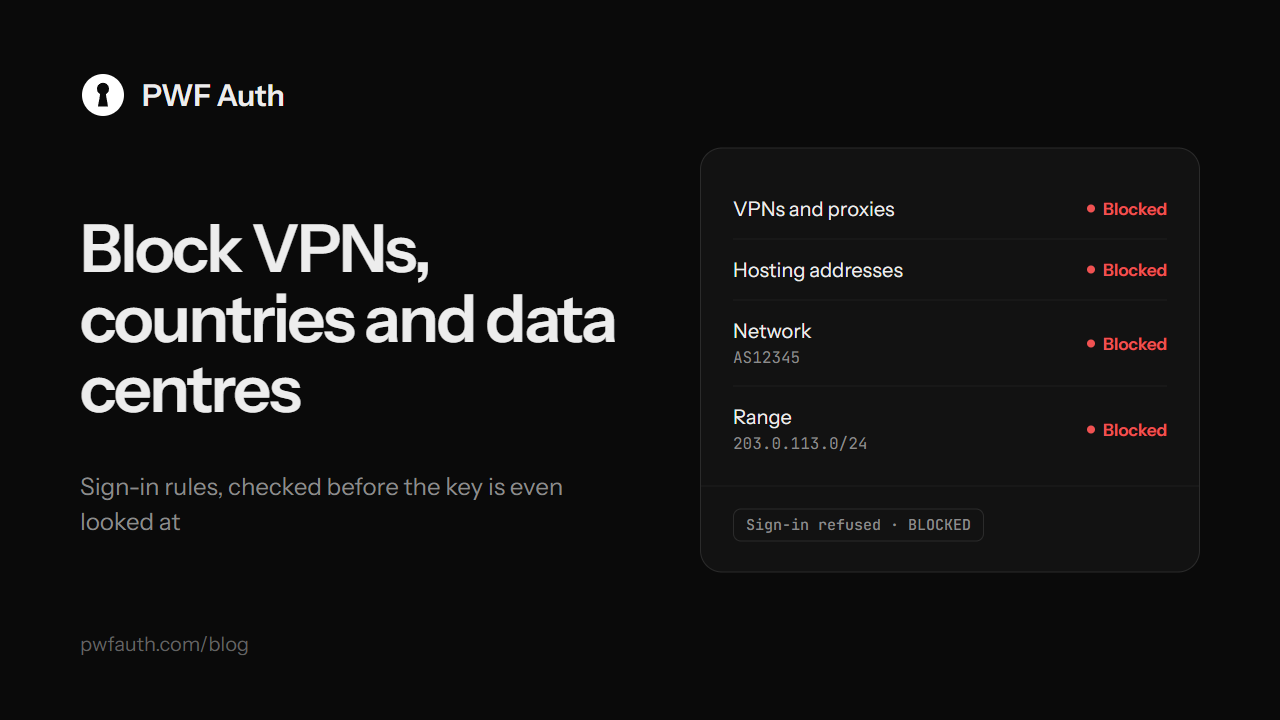
Licence keys answer "does this person have a valid key?". Sometimes you also need to answer "should this person be here at all?". Someone keeps guessing keys from one address. A leaked key is used through a VPN. Bot farms on rented servers hammer your sign-in. You don't sell in a country at all. Rules in PWF Auth handle all of these, per app, before the key or the account is even looked at
What a rule can block
- An address, such as
203.0.113.9: someone keeps guessing keys, or a leaked key is used from one place - A range, such as
203.0.113.0/24or2001:db8::/32: the same, for a whole block of addresses - A machine: the hardware ID your app sends. That PC can't sign in again, whatever key it tries. The easiest way is Block this machine on the copy's row in Sessions
- A country, by its two-letter code: you don't sell there, or most abuse comes from there
- A network, by its AS number: one provider or data centre, every address it owns, however often they change
- VPNs and proxies: customers must sign in from where they really are. Shared or resold keys often hide behind a VPN
- Hosting addresses: your program is for people, not for servers and bot farms
Rules work for licence keys, customer accounts, sign-ups and free trials alike
Allow only the places you trust
For software used from known places only, such as an office, a shop or your own servers, list the addresses or ranges that may sign in. With at least one entry there, every other address is refused. Remove the last entry and anyone may sign in again
What the customer sees
The sign-in is refused with BLOCKED and your own message, which you write once for the app, in any language. Tell people what to do, for example "Turn off your VPN and try again". The key is not touched: not used up, not bound, not counted
Every refusal is logged, so it shows in the activity as Sign-in refused · Blocked by rule, and each rule counts how often it fired. That tells you quickly whether a rule is doing its job, or catching people it shouldn't
Sign out the copies already running
A rule normally stops the next sign-in. When you add one with Sign out the running copies ticked, every copy the rule refuses is also signed out within 30 seconds. That's the answer when a leaked key is in use right now from a country you don't sell in
A few tips
- Start narrow: an address or a machine, before a whole country
- Use the VPN rule when you see shared keys, not by default: some honest customers use a VPN every day
- Your own test PC on a private network has no country or provider, so country, network, VPN and hosting rules never block it
Rules are one layer of protection. See how to stop customers sharing your software for the others. The full reference is in Rules


