How to ship updates to your software: channels, staged rollout and required updates
Upload a build once and every copy of your program that checks for updates is offered it, with a checksum to verify the download. Test it on a beta channel, roll it out to half your customers, and make it required when you must
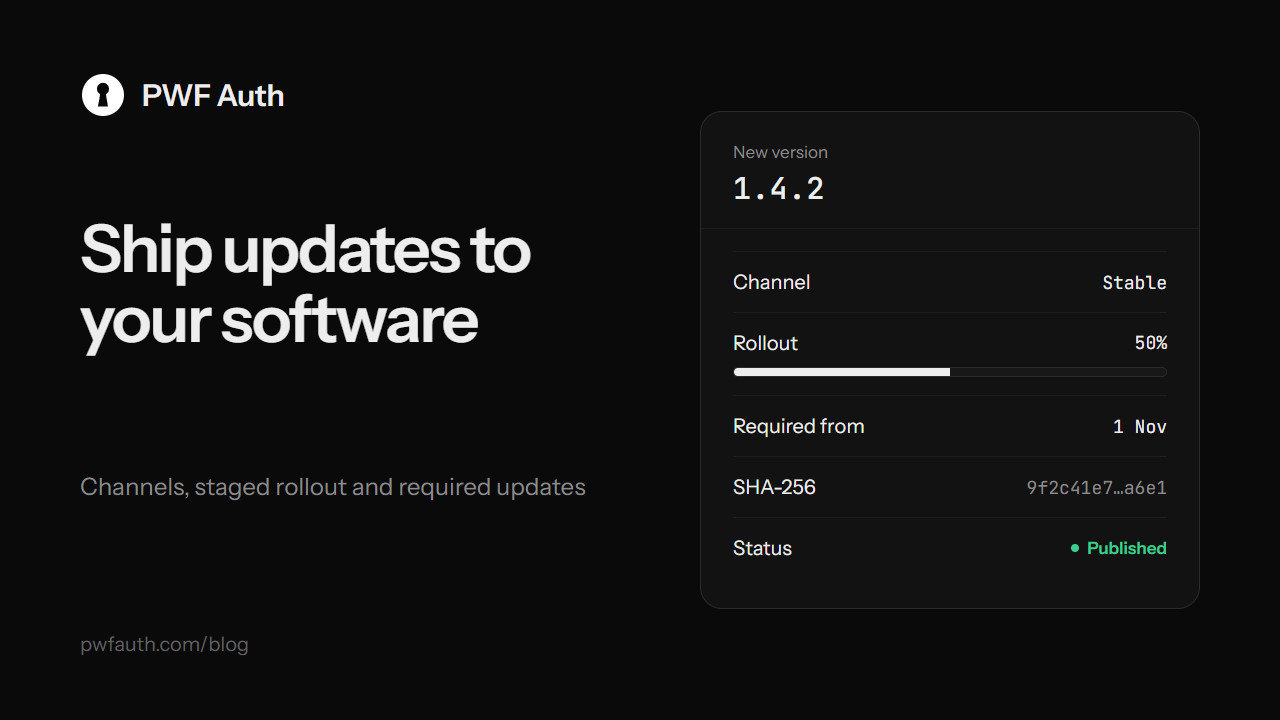
Shipping a new version shouldn't mean emailing every customer a download link. With PWF Auth you upload the build once, and every copy of your program that checks for updates is offered it, with a checksum so the download can be verified before it is installed. You choose who gets it, how fast, and whether it is optional
Add an update
Open Updates in your panel and add one:
- Pick the application and type the version, like
1.2.0or1.2.0-beta.1. The window suggests the next number - Drop the ZIP of your build. Its SHA-256 and the list of files inside are read for you
- Write What's new: your program receives it with the update, to show the customer
- Choose the channel, the rollout and whether it is required, then publish it, or keep it as a draft for later
Check for updates in your program
var check = await client.CheckUpdateAsync("1.1.0");
// check: update_available, and update with version, changelog,
// is_mandatory, file_size, sha256 and download_url
Download from download_url with the customer's key, then compare the file's SHA-256 with sha256 before installing. The same call exists in the Python client as check_update
Test on a beta channel first
Stable is what every program gets by default. Beta and Alpha reach only programs that ask for that channel, for example CheckUpdateAsync("1.1.0", "beta"). Give a beta build to a few customers who like trying new things, and fix what they find before everyone gets it
Roll out to some customers, then everyone
The rollout slider sets the share of customers who are offered the update. At 50%, half of the PCs get it, and the same PC always lands on the same side, so nobody flips back and forth. Watch for problems, then raise it to 100%. Publishing a stable update at 100% also raises the application's current version
Required updates
When an old version has to go, for a security fix or a server change, mark the update required: the program is told it must update before going on. Or make it required from a date: optional until that day, required after it, so customers have time. If any version between the customer's and the newest one is required, the newest one is required too
Advanced targeting
- Offer a build only to Windows, macOS or Linux, or only to x64, x86 or ARM64
- Needs at least: only programs on this version or newer are offered it, for builds that can't upgrade from very old ones
- Add a release notes link to a page with the full notes
Bonus: know who leaked a copy
Updates are also where the leak tracer works: turn it on, and each customer downloads their own marked copy of every update, so a copy that turns up somewhere tells you whose key it came from
The full reference is in Updates


