What is an HWID lock? Licence keys bound to one PC, explained
An HWID lock binds a licence key to the computer it was first used on, so one paid key can't run on a stranger's PC. How the hardware ID is made, what happens when a customer changes PC, and how to allow two or more PCs
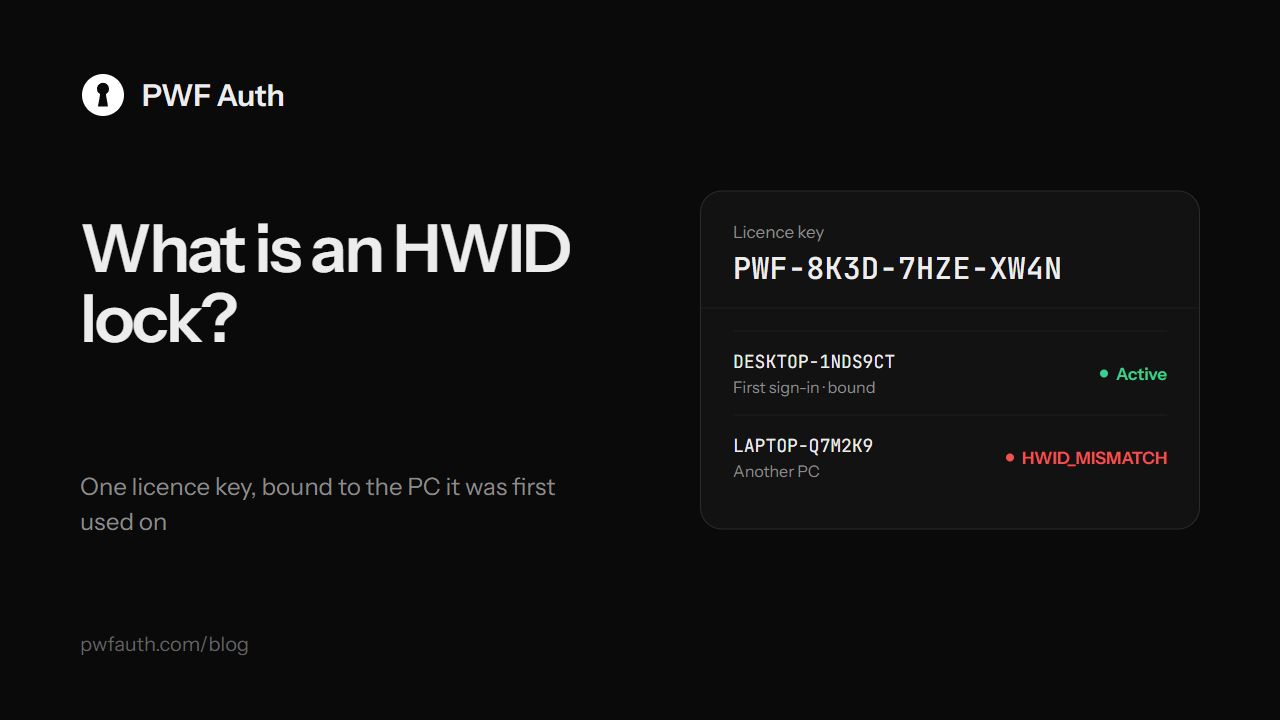
HWID stands for hardware ID: a value that identifies one computer. An HWID lock binds a licence key to the first computer that uses it, so the key keeps working on that PC and nowhere else. It is the simplest and most effective protection against the most common way software leaks: a customer passing their key to friends
How the lock works
- Your program reads the PC's hardware ID and sends it with the key when the customer signs in
- On the first sign-in, PWF Auth binds the key to that hardware ID
- Every later sign-in must come from the same hardware ID. Anything else is refused with
HWID_MISMATCH, and the customer reads a message that says the key belongs to another PC
The check happens on the server, not in your program, so editing a local file or a registry value does nothing to it
Where the hardware ID comes from
On Windows, the PWF Auth packages use the MachineGuid that Windows itself keeps for its cryptography. It stays the same through updates and reboots, and the .NET, Python, Node.js and C++ clients all read it the same way, so one PC counts as one device whatever language your apps are written in
On Android, the device id is made from Android's ANDROID_ID and your app's package, so it survives a reinstall. See the Android guide
Need something else? The Python client, for example, takes your own hardware ID through its hardware_id option
Allowing more than one PC
Some customers really do use a desktop and a laptop. You can allow a key on several PCs: it binds to each new one until the limit is reached, and the next PC is refused with DEVICE_LIMIT. Customer accounts are bound the same way, and for an account you also choose how many copies may run at the same time
When a customer changes PC
PCs break, get replaced and get reinstalled, so a good HWID lock needs a fair way to move. PWF Auth offers two:
- Self-service: the customer moves the licence from inside your program, or on the customer portal at pwfauth.com/customer with just their key. The key forgets its old PC, the old copy is signed out, and the next sign-in binds the new PC. To stop abuse, a key can do this once in a set time, from 1 to 720 hours (12 by default)
- Requests: with self-service off, the program sends a request with a reason, and you approve or reject it in HWID resets. Approving signs the old PC out within 30 seconds
What an HWID lock does not do
An HWID lock stops a key from being shared. It does not stop a copy of your program from running with a key that is still valid, for example on the original buyer's PC. That is where the rest comes in: a check-in every 30 seconds so a ban takes effect at once, and a leak tracer for copies that get passed on. Read how to stop software sharing for the full picture
Adding an HWID lock takes a few lines with the C# and VB.NET, Python or C++ client


