Webhooks for licence keys: get told when keys are made, used, banned or sold
PWF Auth calls your server, or posts in your Discord channel, when something happens to your keys: made, first used, banned, leaked, sold in a store order. Signed deliveries, automatic retries, and the code to check them
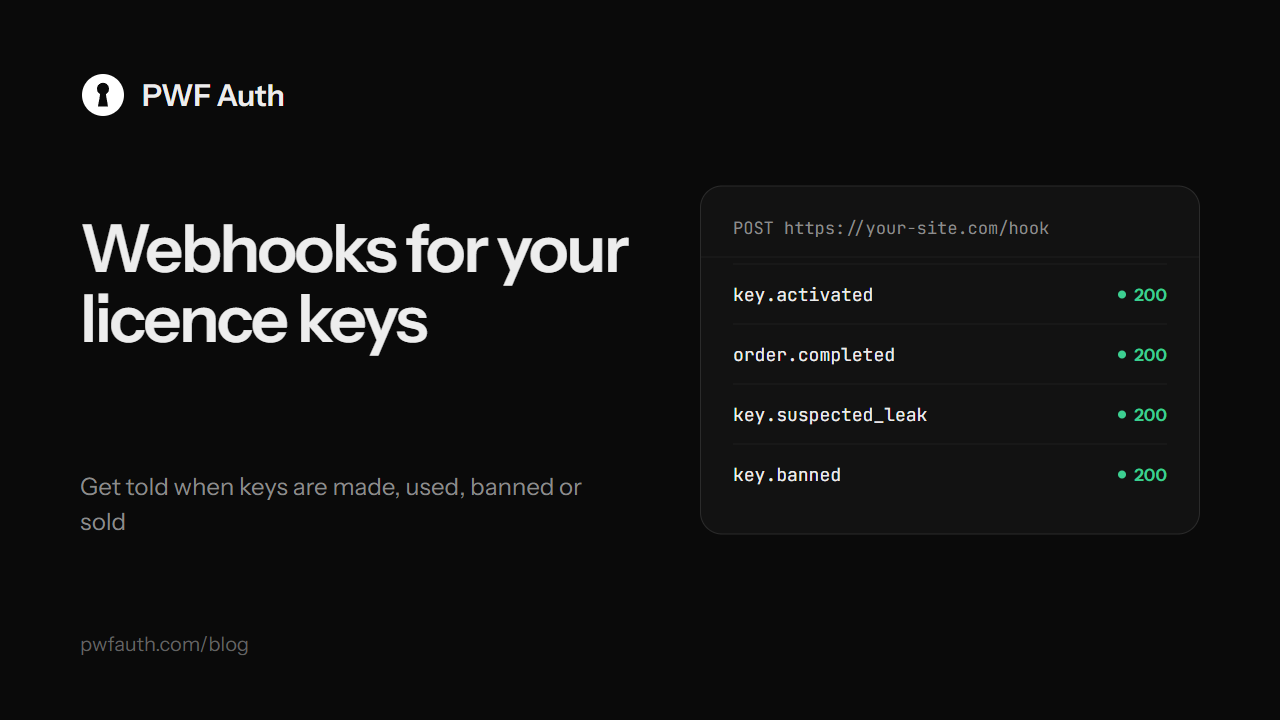
Your licence keys don't live in isolation. Your website wants to know when a key is first used, your CRM when a customer signs up, your team's Discord channel when a key is banned or a leak is suspected. Webhooks do that: PWF Auth calls an address of yours the moment something happens, with the details as JSON
Two kinds of address
- Your server: any
https://address that answers with a 2xx status within 5 seconds. Each one gets its own signing secret, shown once - A Discord channel: paste the channel's webhook address (channel settings → Integrations → Webhooks → Copy Webhook URL), and each event arrives as a short message. No code at all
Add up to 10 addresses per app on the Webhooks page, pick the events each one should get, and press the test button to send a test event straight away and see what your address answered
The events
- Keys:
key.created,key.activated(first use, its time starts),key.redeemed,key.bannedandkey.unbanned,key.pausedandkey.resumed,key.time_changed,key.hwid_reset,key.deleted - Protection:
key.suspected_leak(a key used from far-apart places in a short time),key.decoy_hit(someone tried a decoy key you planted),app.revoked - Customers:
account.registered,hwid_reset.requested,trial.created - Sales:
order.completedandorder.refundedfrom your connected stores - Releases:
update.published
Every delivery says where a change came from in by: the panel, Telegram, Discord, a reseller, a store, or the API
What arrives
POST /your-webhook
Content-Type: application/json
X-Webhook-Id: whd_3f1c…
X-Webhook-Timestamp: 1760262000
X-Webhook-Signature-V2: t=1760262000,v1=<hex HMAC-SHA256(t + "." + body, secret)>

{"event": "key.created", "timestamp": "2026-10-12T10:00:00Z",
 "data": {"app_id": "…", "count": 2, "keys": ["…", "…"], "key_type": "days", "duration_value": 30, "by": "panel"}}
Check every delivery
Anyone can call your address, so check the signature before acting on a delivery. Use the V2 header: it signs the time too, so an old delivery can't be played back. Compare with a constant-time function, and skip an X-Webhook-Id you already handled
$body = file_get_contents('php://input');
[$t, $v1] = sscanf($_SERVER['HTTP_X_WEBHOOK_SIGNATURE_V2'] ?? '', 't=%d,v1=%s');
$good = hash_hmac('sha256', $t . '.' . $body, getenv('PWF_WEBHOOK_SECRET'));
if (!$v1 || !hash_equals($good, $v1) || abs(time() - $t) > 300) { http_response_code(401); exit; }
$event = json_decode($body, true);
The same in Node.js:
const crypto = require('crypto');
function verify(rawBody, header, secret) {
  const { t, v1 } = Object.fromEntries(header.split(',').map((p) => p.split('=')));
  const good = crypto.createHmac('sha256', secret).update(t + '.' + rawBody).digest('hex');
  return v1 && crypto.timingSafeEqual(Buffer.from(good), Buffer.from(v1)) && Math.abs(Date.now() / 1000 - t) < 300;
}
When your server is down
Deliveries leave within a minute. One that fails is tried again after 1 minute, 5 minutes, 30 minutes and 2 hours, with the same X-Webhook-Id. An address that fails 20 times in a row is paused for you until you fix it. The page lists the last 40 deliveries with what your address answered
Ideas
- Send a welcome email when
key.activatedarrives - Post
key.suspected_leakandkey.decoy_hitto a private staff channel, so a leak is seen in minutes. See the leak tracer - Keep your own sales sheet up to date from
order.completedandorder.refunded
Webhooks tell you what happened. To change keys from your own code, use the Developer API. The full reference is in Webhooks


