Manage licence keys from your own code with the Developer API
Make, look up, ban, extend and reset licence keys from your own bot, store, website or script with a simple REST API: API keys per app with only the rights they need, and examples in Python and JavaScript
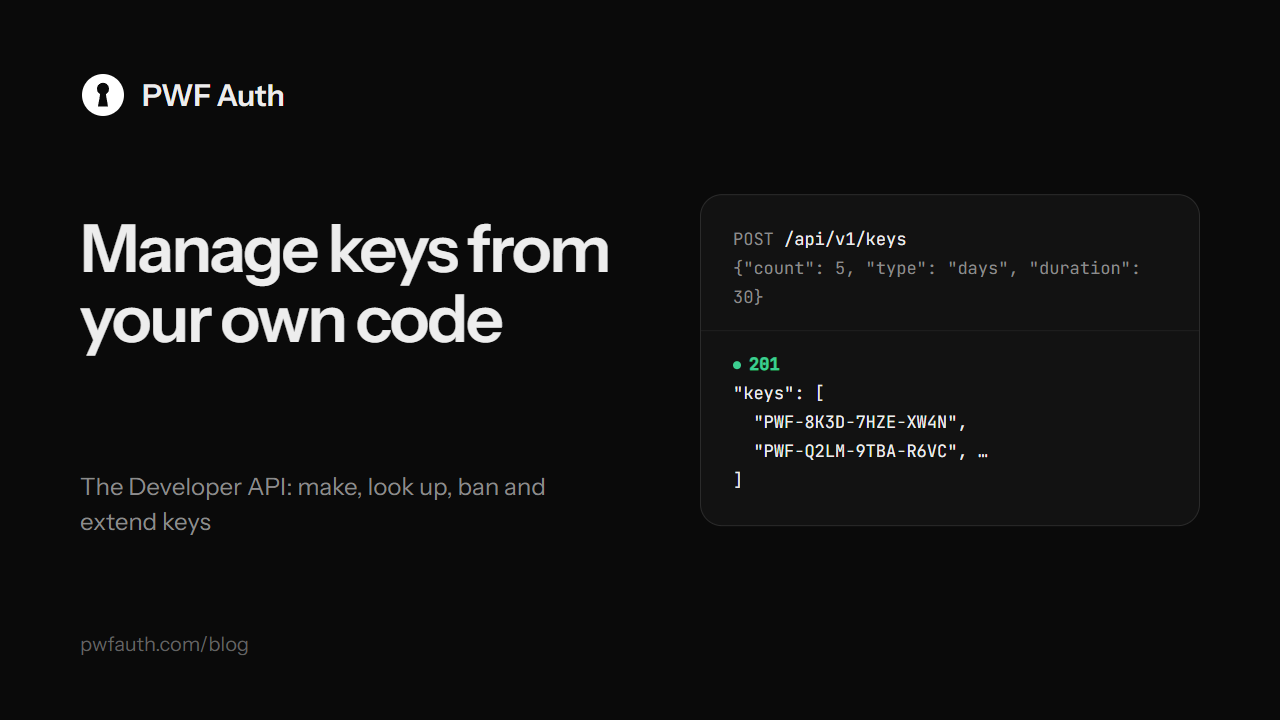
The panel is where you manage keys by hand. Sometimes your own tools need to do it: your website makes a key after a payment, your Discord bot looks a key up for a customer, a script extends every key by a week after an outage. The Developer API lets them, without ever giving anyone your panel password
API keys, one per tool
Make API keys on the Developer API page:
- An API key works for one application. Make up to 10 per app, and give each tool its own
- Tick only what it may do: See keys, Make keys, Add or remove time, Reset PCs, Ban and pause, Edit keys, Delete keys. Anything else is refused with
403 NOT_ALLOWED - Optionally, allow calls only from your server's addresses
- The key (
pwf_…) is shown once. PWF Auth keeps only a fingerprint of it, so make a new one if it's lost
Each API key can make 120 calls a minute
The calls
The address is https://pwfauth.com/api/v1. Send the key in Authorization: Bearer pwf_…, and every answer is JSON with success, plus error and a message you can show when something is refused
GET /me: the app and what this API key may do. Handy to test a keyGET /keys: the app's keys, newest first, with filters by status and a searchGET /keys/{key}: one key, with its status, time left and the PCs it's bound toPOST /keys: make 1 to 50 keys,{"count": 5, "type": "days", "duration": 30, "max_devices": 1}POST /keys/{key}/reset-hwid: free the key for a new PCPOST /keys/{key}/add-time:{"days": 7}, negative to remove timePOST /keys/{key}/ban,/unban,/pause,/resumePATCH /keys/{key}: the note, the customer's name and contact, the PC limitDELETE /keys/{key}
Look a key up and make one, in Python
import os, requests

API = "https://pwfauth.com/api/v1"
H = {"Authorization": "Bearer " + os.environ["PWF_API_KEY"]}

key = requests.get(f"{API}/keys/ABCDE-12345", headers=H, timeout=15).json()
if key["success"]:
    k = key["key"]
    print(k["status"], k["days_left"], "PCs:", k["devices"], "/", k["max_devices"])

made = requests.post(f"{API}/keys", headers=H, json={"count": 1, "type": "days", "duration": 30}, timeout=15).json()
print(made["keys"])
A Discord command of your own, in JavaScript
const API = 'https://pwfauth.com/api/v1';
const H = { Authorization: 'Bearer ' + process.env.PWF_API_KEY };

client.on('interactionCreate', async (i) => {
  if (!i.isChatInputCommand() || i.commandName !== 'keyinfo') return;
  const key = encodeURIComponent(i.options.getString('key'));
  const r = await (await fetch(`${API}/keys/${key}`, { headers: H })).json();
  if (!r.success) return i.reply({ content: r.message, ephemeral: true });
  const k = r.key;
  await i.reply({ ephemeral: true, content: `**${k.status}** · PCs ${k.devices}/${k.max_devices}` });
});
Just want the ready-made version? PWF Auth's own Discord bot does this in your server with no code
Everything stays on the record
Every change an API key makes goes through the same code as the panel. It shows in the key's activity as api:<name>, keys it makes use your app's key format, and your webhooks hear about it with "by": "api"
The full reference, with every field and error, is in Developer API


