See who is running your software right now, and sign anyone out
The Sessions page shows every running copy of your program live: the key, the PC, the city and country, the last check-in. End one session, every session of a key, or every session of an app before a big update
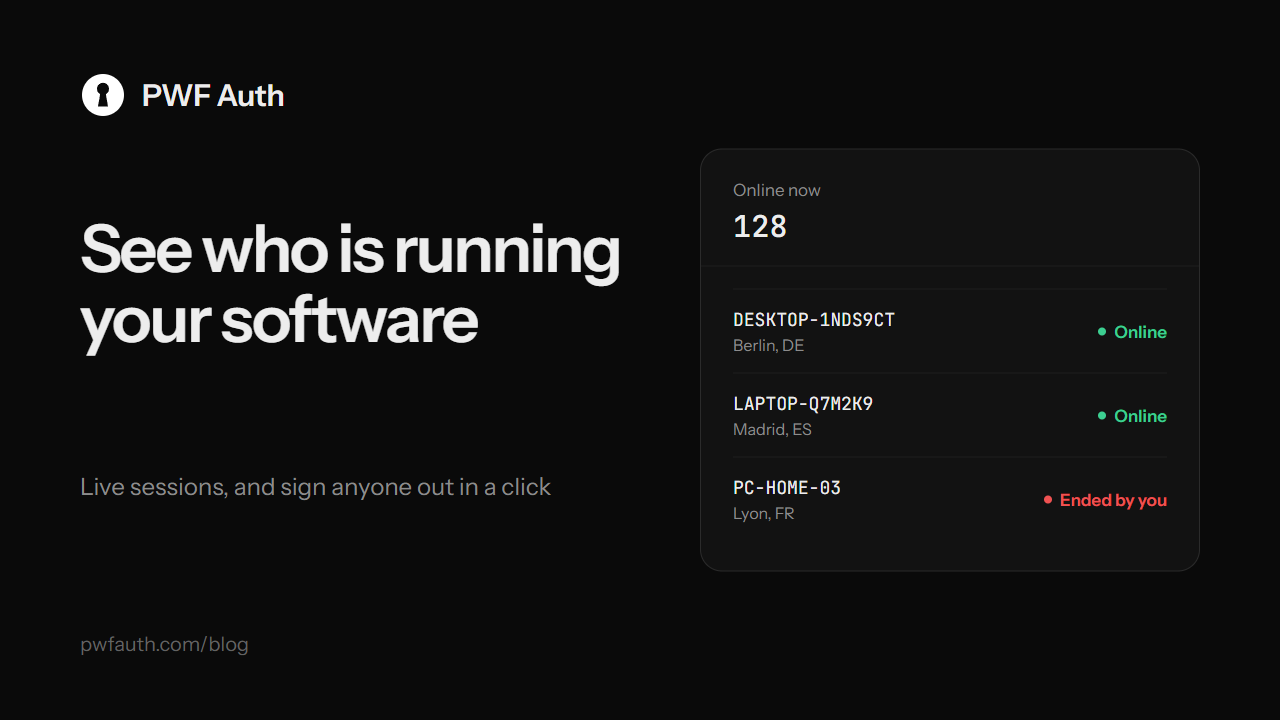
Sales tell you how many people bought your program. Sessions tells you how many are using it right now, on which PCs and from where, and lets you sign any of them out in a click. A session is one running copy of your program on one PC: it starts when the customer signs in, and stays alive through the check-in every 30 seconds
Live, without reloading
The page opens on Online now and refreshes by itself every 15 seconds. It waits while you're selecting rows, have a menu open or are typing in the filters, so nothing moves under your cursor, and a pause button stops it altogether
The cards on top count:
- Online now: copies that checked in within the last 2 minutes, plus the ones that just went quiet
- Licences in use: different keys online, with sign-ins per day
- Machines: different PCs online
- Average session: how long sessions lasted over the last 7 days
- Ended (24h): sessions that ended in the last day, and how many of them you ended
What each row tells you
The key or customer account, the PC, the IP address with its city and country, when the copy started, its last check-in with a pulsing dot while it's online, how long it has run, and its state. Switch to Ended or All sessions for the history, where the state says why each one ended:
- Signed out: the program closed normally
- Not answering: no check-in for 2 minutes, usually a window closed without signing out, a crash or a dropped connection. It becomes Timed out after 5 minutes, or online again if it comes back
- Replaced: the same key signed in again on the same PC
- Ended by you, or Banned, Expired, Paused: the key itself stopped
One key online from two countries at once is worth a look: it's often a shared key
Sign someone out
- End session on a row ends that one copy. The program closes on its next check-in with "This session was ended by the developer. You can sign in again." Nothing is banned
- End all of this licence ends every copy of that key
- Ban this key bans it on the spot
- Tick rows to end several at once, or end every running session of one app, or of all your apps, for example before a big update
Everything you end is written to the activity log
When a PC must never come back
Ending a session lets the customer sign in again. To keep one PC out for good, whatever key it tries, use Block this machine on its row: it becomes a sign-in rule
The full guide is in Sessions


