Save each customer's settings on the server, with no backend of your own
User variables let your program keep small values per customer on the PWF Auth server: settings that follow them to a new PC, counters, flags and values you set for one customer in the panel. With C#, VB.NET and Python code
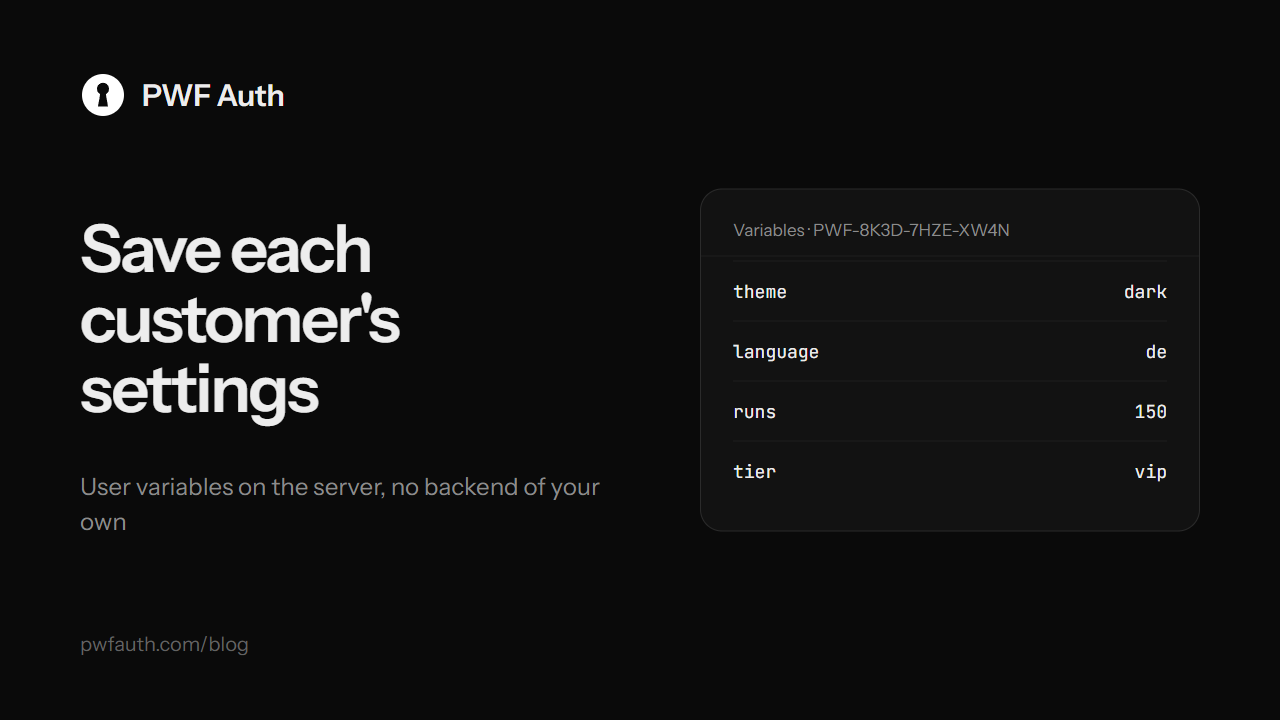
Your program remembers things: the theme a customer picked, how many exports they ran, whether they've seen the intro. Keep those in a local file and they're gone on a new PC, and you can't see or change them. Build your own server for them and you have a backend to run. User variables sit in between: small values your program keeps on the PWF Auth server for each customer, with nothing to host
What they're good for
- Settings that follow the customer:
theme = dark,language = de, a whole JSON config. A new PC starts the way the old one was set - Progress and counters:
runs = 150,level = 3,last_export = 2026-10-13 - Flags:
agreed_terms = 1,seen_intro = 1, so your program shows something only once - Values you set for one customer: type
tier = vipormax_threads = 8in the panel, and the program reads it on its next start
A variable belongs to one customer of one app, a licence key or a customer account, and nobody else's program can read it. For a value every copy should read, use remote texts instead
In your program
After the customer signs in, with the .NET package:
await client.SetVariableAsync("runs", (runs + 1).ToString());
string? tier = await client.GetVariableAsync("tier");   // null when never set
var all = await client.GetVariablesAsync();             // every variable at once
await client.DeleteVariableAsync("seen_intro");
The same in VB.NET:
Await client.SetVariableAsync("theme", "dark")
Dim theme = Await client.GetVariableAsync("theme")      ' Nothing when never set
If theme Is Nothing Then theme = "light"
In Python it's set_variable, get_variable, get_variables and delete_variable
In the panel
Open a key in Licences, or an account in Users: the side panel has a Variables section with every name and value, when it last changed and who changed it, the app or you. Change a value, remove one, or add a new one. Support gets easier too: a customer's settings are right there when they write to you
From your own scripts
The Developer API reads and writes a key's variables too, with GET /keys/{key}/vars and PUT /keys/{key}/vars/{name}. So your store or bot can set tier when an order is paid, and the program reads it on its next start
The limits
- Up to 50 variables per customer, and 4 KB per value
- A name is up to 64 letters, digits or underscores
- Only a live session can read or write them: a banned, paused or expired key gets nothing
The full guide is in Variables


