A self-service portal for your customers' licence keys
Give your customers one link where they sign in with their licence key, see how long it runs and where it's used, move it to a new PC and sign out old copies, without writing to you and without opening your program
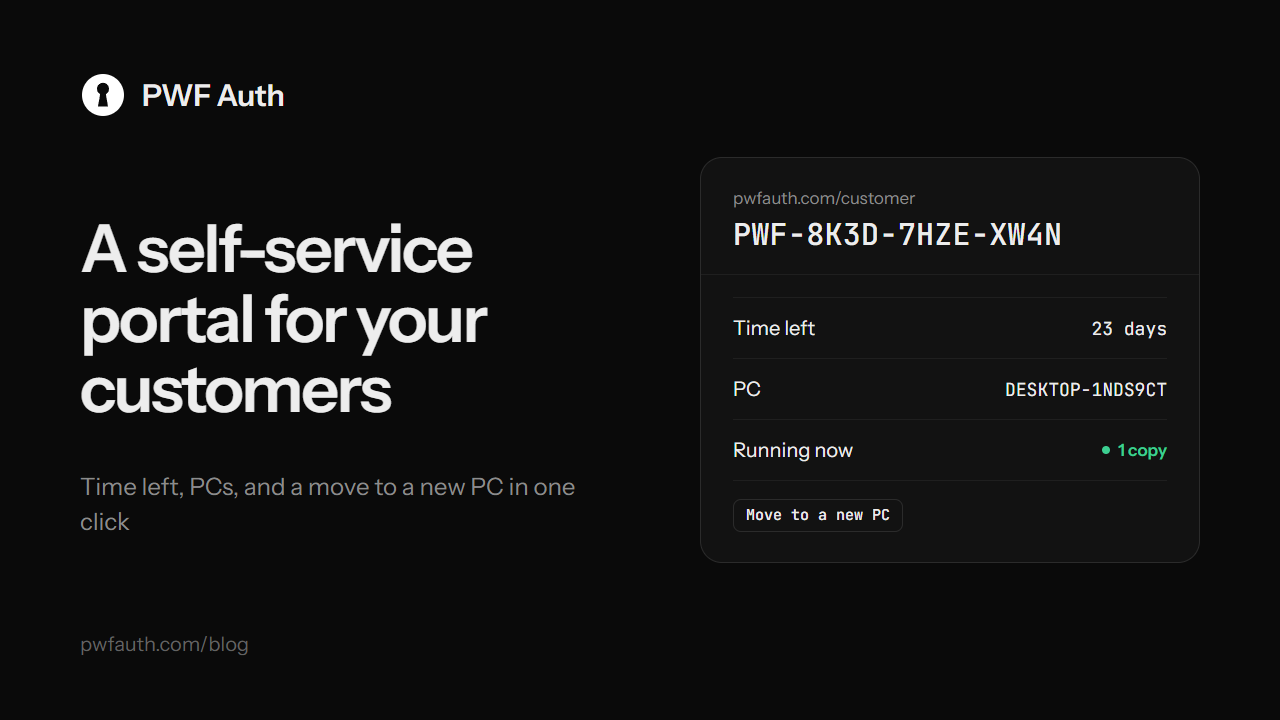
Most support messages about licence keys are the same three questions: how long does my key run, why does it say my key is used on another PC, and can you move it to my new laptop? The customer portal at pwfauth.com/customer lets your customers answer them on their own, any time, for every program you protect with PWF Auth
What your customers can do there
They sign in with just their licence key: no account, no password. Then they see:
- How long the key runs, or that it's a lifetime key
- The PCs it's on, and the copies running right now
- What happened lately: sign-ins and changes to their key
- Move to a new PC: free the key from the old PC in one click, so the next sign-in binds the new one
- Sign out copies that are still running somewhere
Several keys can sit in one browser, handy for customers who bought more than one of your programs. The key stays on PWF Auth's server: the browser only keeps a sign-in cookie
You stay in charge of the rules
Moving a key from the portal follows exactly the same rules as moving it from inside your program:
- If self-service is off for the app, the portal tells the customer that you move keys for them, and to ask you, or to use the reset request in your program if it has one
- If it's on, a key can only move once in the waiting time you set, from 1 to 720 hours (12 by default). The portal shows how long until the next move is allowed
Set both under HWID resets in your panel. See What is an HWID lock? for how the lock and the moves work
Fewer messages, happier customers
A customer who changed PC at midnight doesn't have to wait for you to wake up, and you don't have to answer the same message twenty times a week. Every move still shows in the key's activity, and your webhooks still hear about it with key.hwid_reset
Share the link
Put pwfauth.com/customer where customers look for help: your program's About or Help window, your website's FAQ, the welcome message of your Telegram or Discord bot, and the email that delivers their key
A customer who lost their key is the one thing the portal can't solve: they ask you, or the shop they bought from


