HWID resets
Customers moving to a new PC: requests, approvals and self-service
A key is bound to the PC it first signs in on (what an HWID lock is and how it works). When a customer replaces their PC, the key has to be moved. There are two ways, and this page shows both
Self-service: the customer does it
When self-service is on, the customer moves the license by themselves from inside your program (the SDK's ResetHardwareIdAsync, see C# and VB.NET). The key forgets its machines, the old PC is signed out, and the next sign-in binds the new PC. No waiting for you
Customers can also do it on the web, without opening your program: on the customer portal (pwfauth.com/customer) they sign in with their license key, or with their username and password when your program uses customer accounts (Users), see how long it runs and where it is used, free it for a new PC and sign out copies that are still running. Give your customers that link. It follows the same rules below
To stop abuse, a key can only do this once in a set time. Set it in each app's settings, App settings → Customers → Moving to a new PC; Self-service or the last card here opens it. For each app:
- on or off,
- the wait between two resets of the same key, from 1 to 720 hours (12 by default)
When it is off, the program gets SELF_RESET_DISABLED and the customer has to ask you. Self-service resets appear in the table as MOVED, for the record
Requests: the customer asks you
A program can also send a request with a reason instead of moving the key itself. Requests wait here under Waiting, with the number shown in the sidebar
- Approve moves the license: the key forgets its machines, the old PC is signed out within 30 seconds with "The hardware ID of this license was reset", and the next sign-in binds the new PC
- Reject closes the request and changes nothing
- Tick several requests to approve or reject them together
Under each key you see how many machines are bound to it and whether the key is still active, so you can decide quickly. The Handled column keeps who answered and when
The cards
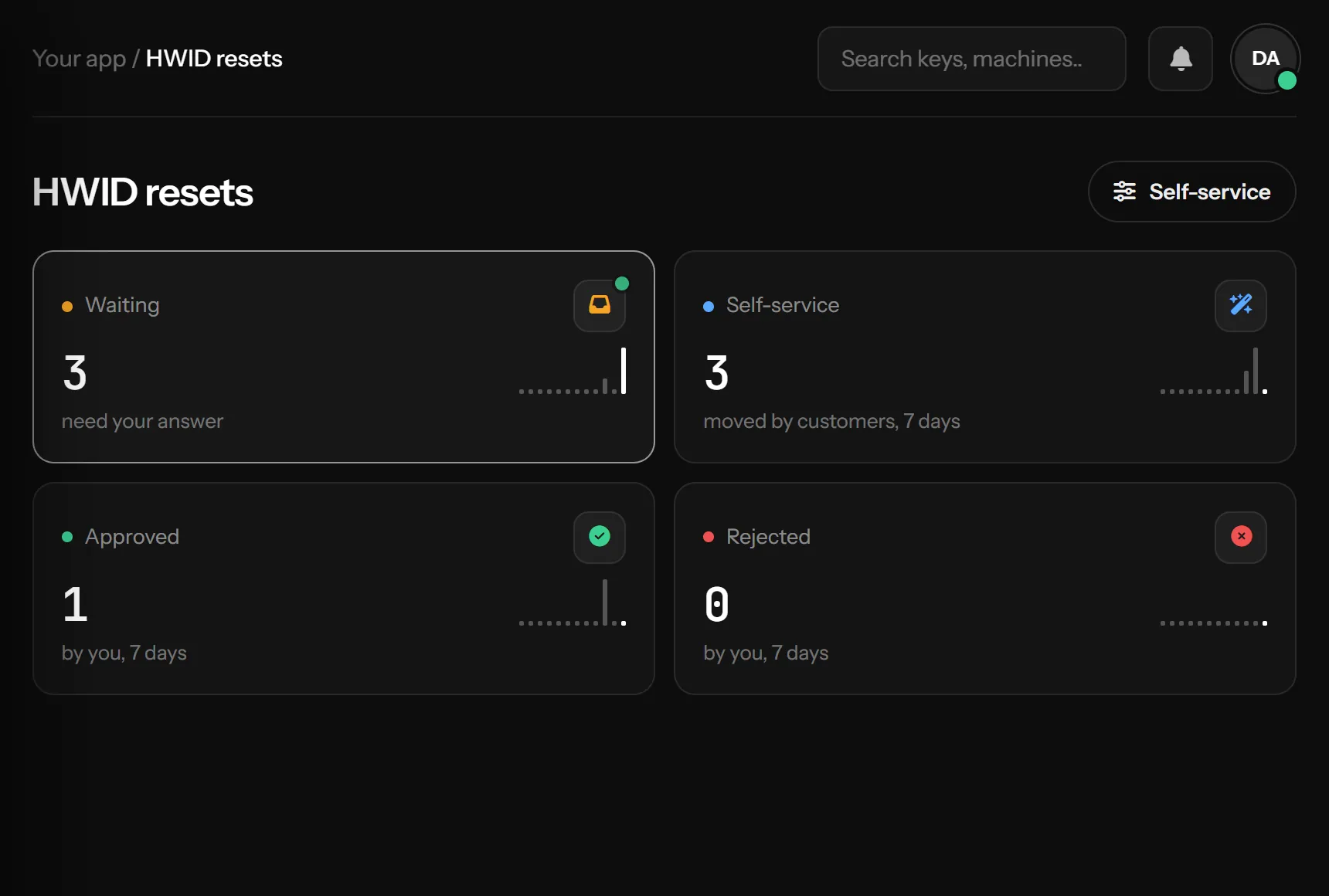
Waiting, Self-service, Approved and Rejected (the last three over 7 days) each filter the table when clicked. The fifth card shows whether self-service is on
Something missing or unclear? Tell us on Telegram