Updates
Ship a new build: upload, publish, roll out and make it required
Ship a new build of your program: upload it once, and every copy that checks for updates is offered it, with a checksum so it can verify the download
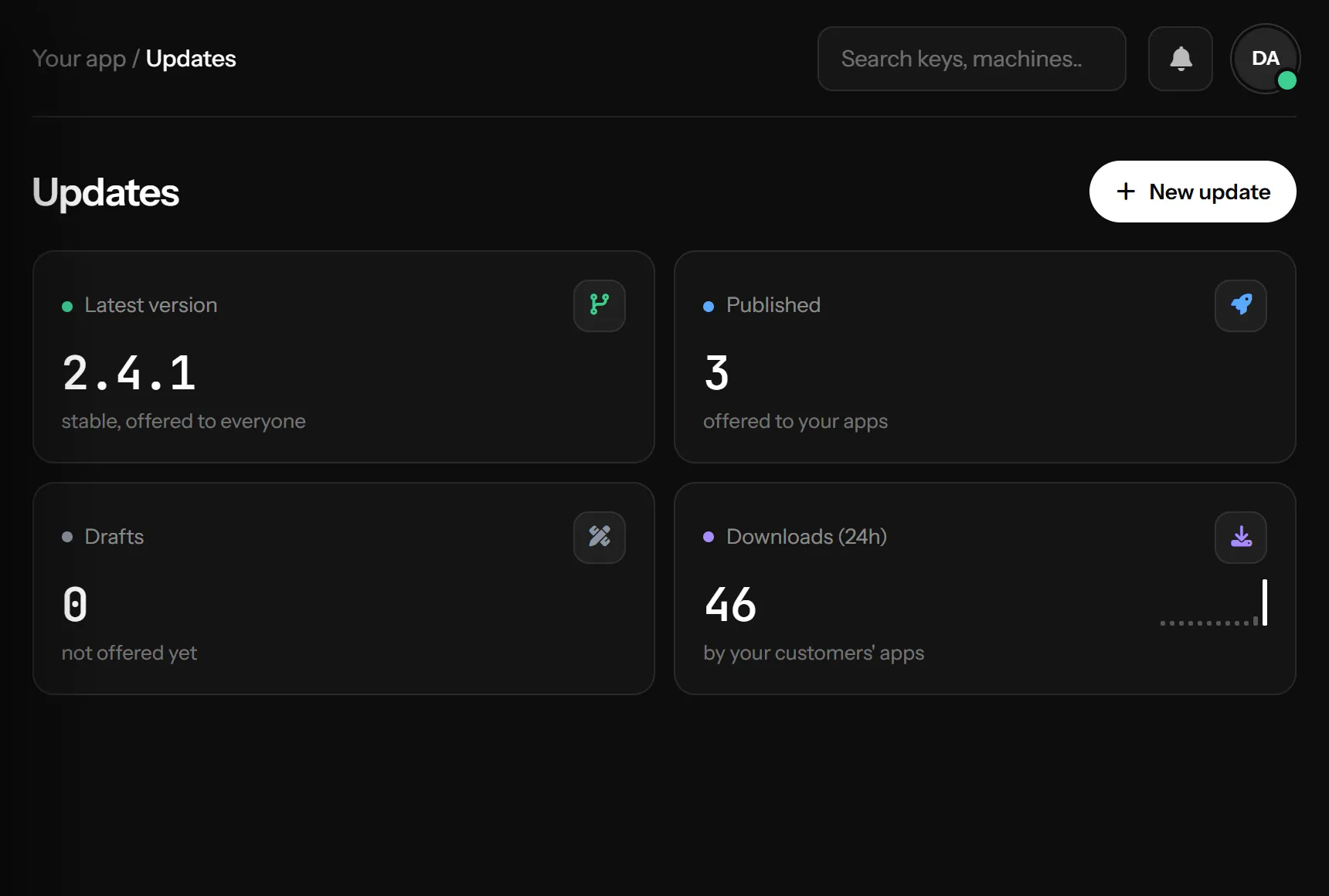
Add an update
Press New update:
- Pick the application and type the version, like
1.2.0or1.2.0-beta.1. The window suggests the next number - Drop the ZIP of your build (or click to choose it). The upload limit is shown next to the field
- Write What's new: your program receives it with the update, to show the customer
- Choose the channel, the rollout and whether it is required (below)
- Save draft keeps it for later; Publish offers it right away. Publishing needs the ZIP
The SHA-256 of the ZIP and the list of files inside it are read for you. A ZIP that contains server scripts (PHP and similar) is refused
Storage
Your update ZIPs share one storage allowance across all your applications; the New update window shows how much you use. Each application keeps the ZIPs of its newest versions (the window says how many): when you upload a new one, the oldest version beyond that is archived and its ZIP removed, so nobody is offered it any more. Drafts are never touched. If an upload would go over your allowance, it is refused and nothing changes: delete versions you no longer need, then try again
Changes-only updates
If your updater ships only the files that changed, turn on Changes-only updates in the application's settings (General tab). Each ZIP then carries a manifest.json with its version and, for every file, the version whose ZIP holds it (from), so a customer who skipped versions downloads those older ZIPs too. With it on:
- A version that a published update or a draft still takes files from keeps its ZIP and stays published when you upload a new one. The others are archived as above
- Archiving or deleting such a version by hand is refused, with the versions that still need it
- New update fills in the version from the ZIP's
manifest.jsonand asks before publishing a ZIP that takes files from a version that is not published
It is off for every application until you turn it on
Channels
Stable is what every program gets by default. Beta and Alpha reach only programs that ask for that channel (for example CheckUpdateAsync("1.1.0", "beta")), so you can test with a few customers first
Rollout
The slider sets the share of customers who are offered the update. At 50%, half of the PCs get it; the same PC always lands on the same side, so nobody flips back and forth. Raise it to 100% when you are happy
Publishing a stable update at 100% also raises the application's current version
Required updates
- Required update: the program is told it must update before going on
- Or required from a date: optional until that day, required after it. Gives customers time
If any version between the customer's and the newest one is required, the newest one is required too
Advanced
- System and CPU: offer the build only to Windows, macOS or Linux, or only to x64, x86 or ARM64
- Needs at least: only programs on this version or newer are offered it, for builds that cannot upgrade from very old ones
- Release notes link: a page with the full notes
Manage releases
The table lists every version newest first, with its status, channel, rollout, file size and number of files, whether it is required, its downloads and when it went out
- Publish a draft, or Stop offering a published one (it becomes archived; copies that already have it keep it)
- Edit changes the notes, channel, rollout and rules. The version and the ZIP cannot change: add a new version instead
- Delete removes the update and its ZIP
In your program
Dim check = Await client.CheckUpdateAsync("1.1.0")
Dim upd As JsonElement
If check.GetBoolean("update_available", False) AndAlso check.TryGetProperty("update", upd) Then
    ' upd: version, changelog, is_mandatory, file_size, sha256, download_url, files
    Console.WriteLine("New version: " & upd.GetProperty("version").GetString())
End If
Download from download_url with the customer's key, then compare the file's SHA-256 with sha256 before installing (send license_key in the check, so that with the leak tracer on the hash is the one of that customer's copy)
Downloads are limited so a broken update loop can't run away: 5 downloads of the same version per key per hour, and 20 downloads per network per hour. Past that the answer is HTTP 429 with RATE_LIMITED; try again later
Something missing or unclear? Tell us on Telegram