SDK generator
One ready client file in C#, VB.NET, Python, JavaScript, Java, Kotlin, Android, PHP, Dart, C++ or Delphi
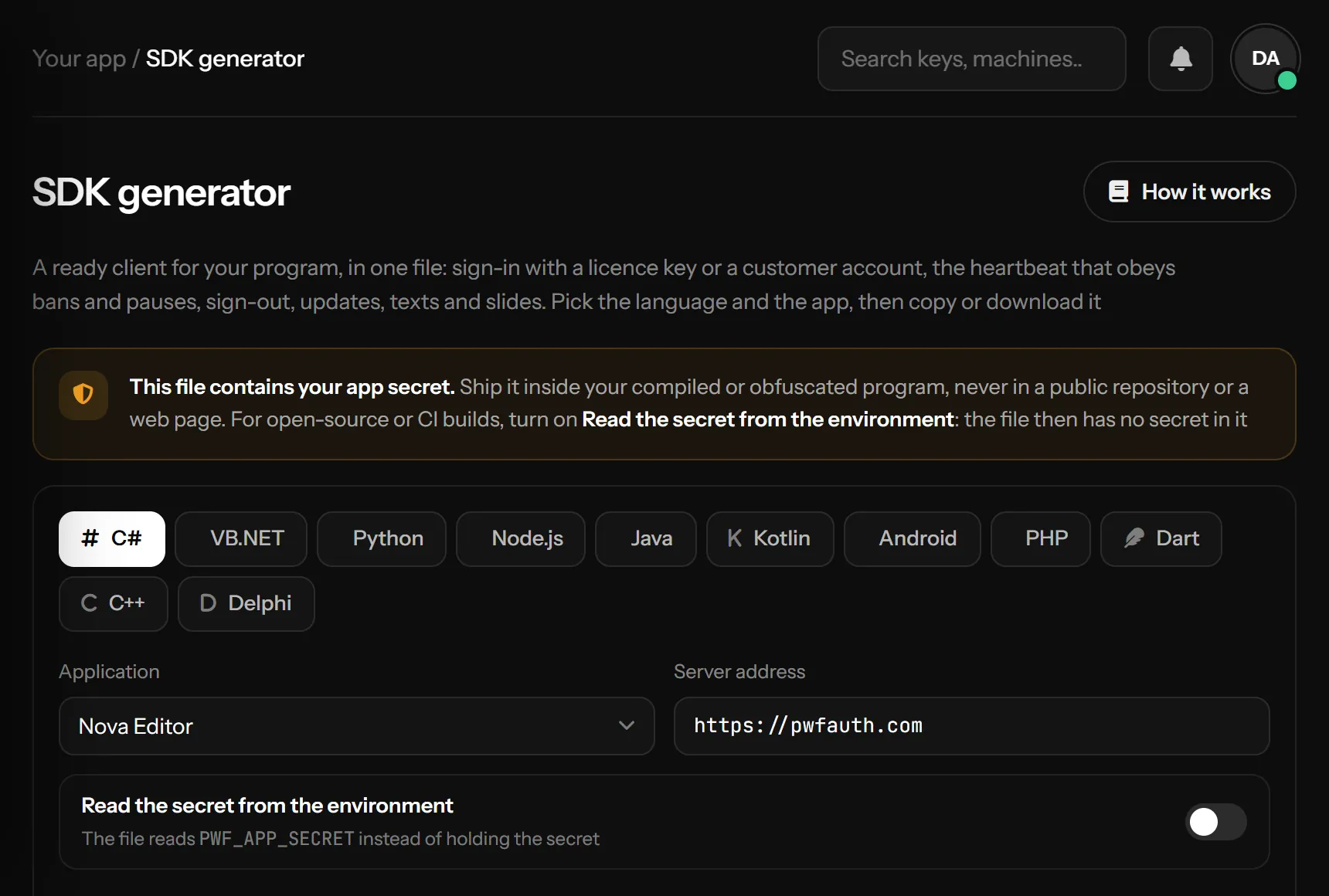
The SDK generator page writes a ready client for your program in one file, in C#, VB.NET, Python, JavaScript (Node.js), Java, Kotlin, Android, PHP, Dart, C++ or Delphi. It already knows your server address and your app, so you add the file to your project and call it
What the file can do
| Call | What it does |
|---|---|
| Login, CheckKey | Sign in with a license key (binds it to the machine), or only look a key up |
| Heartbeat, RunHeartbeat | Keep the session alive. RunHeartbeat loops and calls you back when the key is banned, paused, expired, reset or signed out from the panel: close your app there |
| Logout | End the session |
| RegisterAccount, LoginAccount, ChangeAccountPassword | Customer accounts with a username and password, when accounts are on for the app |
| GetAppInfo, GetTexts, GetSlides | The app's name, version and links, your texts and slides |
| CheckUpdate | Asks Updates for a newer build |
| CreateTrial, RequestHwidReset | A free trial for this machine (when trials are on), and a request to move a key to a new PC |
| RedeemAddon, GetAddons | Add an add-on key on the signed-in session, and list the add-ons the customer has (App settings) |
The names follow each language: LoginAsync in C# and VB.NET, login in Java and JavaScript, login and get_app_info in Python, Login and StartHeartbeat in Delphi. The end of every file shows how to use it
Delphi (10.2 Tokyo or newer, Windows) needs nothing extra: the file is the unit PWFLicense.pas, HTTPS comes from Windows through System.Net.HttpClient and AES from Windows' bcrypt.dll. Every function returns a TJSONObject that you free, read with JStr, JBool and JInt; StartHeartbeat runs on its own thread and calls you back once when the session ends
Android (Android 8.0 or newer) has its own Kotlin file, made and tested for phones: it talks to the server with Android's own HttpURLConnection and names the phone by its ANDROID_ID, hashed with your app's package, so the same phone keeps the same id after a reinstall. Create it with PWFLicense(context), add android.permission.INTERNET to your manifest, and call it off the main thread (Dispatchers.IO or a background thread) runHeartbeat also runs on its own thread: switch to the main thread before you close your screens there. The plain Kotlin file is for desktop and server programs and does not run on a phone
See it on a phone, from a new app to a ban, in the video below, or start from the demo app on GitHub (Kotlin and Jetpack Compose)
Using the page
- Pick the language at the top, and the application
- Server address is always
https://pwfauth.com; it cannot be changed. When a network blocks that name and the app gets no reply at all, the same request goes tohttps://pwfauth.net(the same server) and the app stays on it - Copy code or Download. Download all saves one file per language
- Install what the line under the settings says the language needs, for example
pip install requests cryptographyfor Python
The page remembers the language and the environment switch in this browser
The app secret
The file contains your app secret, so treat it like a password: inside your compiled or obfuscated program, never in a public repository, a web page or a browser extension. With Read the secret from the environment on, the file reads the PWF_APP_SECRET environment variable instead and holds no secret, which is the way for open-source code and build servers. A phone has no environment, so the Android file always holds the secret: turn on code shrinking (R8) for your release build. If a secret leaks, make a new one in Applications and generate the file again
Reading your texts
The second box shows how to read your texts in the same language: they come with the sign-in reply, and GetTexts reads them again at any time without signing in again
How it talks to the server
Every request and reply is encrypted with AES-256 and signed with HMAC-SHA256, both keyed from your app secret, and a reply older than five minutes is refused. A file made before a change on the server keeps working; generate it again when this page shows something new you want to use. The first line of the file says when and for which app it was made
Something missing or unclear? Tell us on Telegram